download
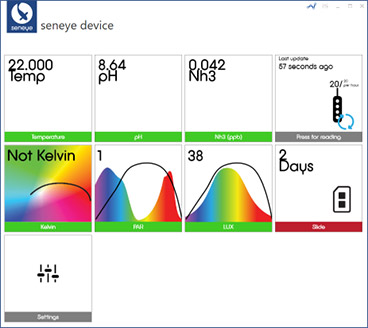
seneye connect application (SCA) v2 allows you to see the current readings from your seneye device and will automatically uploaded your readings to your personal seneye.me account. Downloading of the SCA is only required if you are using your seneye device with a PC. If you are using a Seneye Web Server (SWS) then please refer to these instructions.
- • Windows PC with a wired or wireless network and TCP/IP protocol running Windows 7 SP1, Windows 8, Windows 8.1, Windows 10, Windows Server 2008 R2 SP1, Windows Server 2012 and Windows Server 2012 R2
- Not compatible with Belkin Base and virtual USB extenders
Please read seneye software licence
Trouble connecting to the server?
Occasionally your computer can be configured so that that seneye cannot communicate with the servers correctly. To find out if this is a problem, please download the program from the following link. When you run the program it will generate a text file that can be sent to [email protected] this will allow us to see if you have full connectivity with the seneye servers.
seneye server connection test